


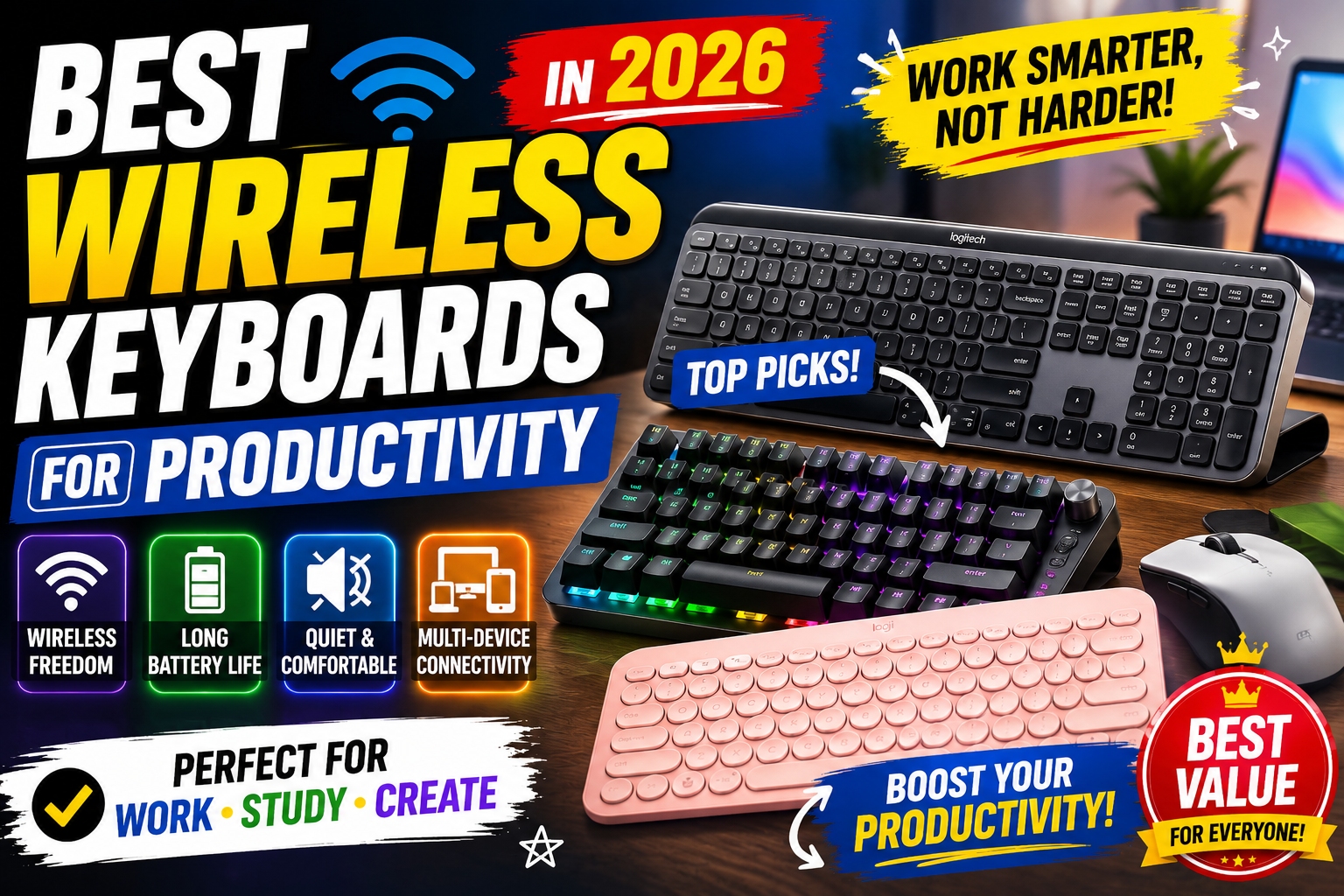


Best Wireless Keyboards for Productivity in 2026
A great keyboard can dramatically improve your productivity, comfort, and overall computing experience. Whether you're working remotely, studying, writing content, programming, or managing spreadsheets, the right wireless keyboard can help you work faster and more efficiently.
In 2026, wireless keyboards have become more advanced than ever. Features such as multi-device connectivity, long battery life, ergonomic designs, quiet switches, and customizable shortcuts make them indispensable tools for professionals and students alike.
In this guide, we'll explore the best wireless keyboards for productivity in 2026, compare their strengths and weaknesses, and help you find the perfect keyboard for your workflow.


Why a Good Wireless Keyboard Matters
Many people spend six to ten hours per day typing. A poor keyboard can lead to discomfort, slower typing speeds, and reduced efficiency.
A quality wireless keyboard offers:
- Improved typing comfort
- Faster and more accurate typing
- Cleaner desk setup
- Multi-device connectivity
- Better ergonomics
- Reduced cable clutter
- Increased productivity
Investing in a reliable keyboard can have a bigger impact on your daily workflow than many people realize.
What to Look for in a Productivity Keyboard
Before choosing a keyboard, consider the following factors.
Typing Experience
The most important factor is how the keyboard feels during daily use.
Look for:
- Responsive keys
- Comfortable key travel
- Consistent feedback
- Quiet operation
A pleasant typing experience can reduce fatigue during long work sessions.
Wireless Connectivity
Modern keyboards typically offer:
- Bluetooth
- USB receiver (2.4GHz)
- Multi-device pairing
The best productivity keyboards allow seamless switching between multiple devices.
Battery Life
Nobody wants to charge a keyboard every few days.
Top models now offer:
- Several months of battery life
- Rechargeable batteries
- USB-C charging
Long battery life is particularly useful for professionals who travel frequently.
Ergonomics
Comfort becomes increasingly important during extended typing sessions.
Features to consider:
- Wrist support
- Adjustable tilt
- Split keyboard layouts
- Low-profile designs
Proper ergonomics can help reduce strain and improve posture.
Device Compatibility
Ensure the keyboard works with:
- Windows
- macOS
- Linux
- Android
- iPadOS
- ChromeOS
Cross-platform compatibility provides greater flexibility.
1. Logitech MX Keys S
Best Overall Wireless Keyboard for Productivity
The Logitech MX Keys S continues to dominate the productivity keyboard market in 2026.
Designed specifically for professionals, it offers exceptional typing comfort, premium build quality, and excellent multi-device support.
Key Features
- Bluetooth and USB receiver connectivity
- Smart backlit keys
- USB-C charging
- Multi-device switching
- Premium metal construction
Pros
✔ Outstanding typing experience
✔ Excellent battery life
✔ Works with multiple devices
✔ Professional design
✔ Quiet operation
Cons
✖ Premium price
Ideal For
- Professionals
- Writers
- Remote workers
- Business users
Verdict
If you want one keyboard that excels in almost every category, the MX Keys S is hard to beat.
2. Keychron K8 Pro
Best Mechanical Wireless Keyboard
For users who love mechanical keyboards, the Keychron K8 Pro delivers an excellent balance between productivity and customization.
Key Features
- Mechanical switches
- Wireless Bluetooth connectivity
- Hot-swappable switches
- Mac and Windows compatibility
- RGB backlighting
Pros
✔ Exceptional typing feedback
✔ Customizable switches
✔ Durable construction
✔ Multi-platform support
Cons
✖ Slightly heavier than standard keyboards
Ideal For
- Programmers
- Writers
- Tech enthusiasts
Verdict
The Keychron K8 Pro provides one of the best mechanical typing experiences available today.
3. Logitech Pebble Keys 2 K380s
Best Budget Wireless Keyboard
The Logitech Pebble Keys 2 K380s proves that productivity doesn't require a premium budget.
Its compact design and reliable performance make it an excellent choice for students and casual users.
Key Features
- Compact design
- Bluetooth connectivity
- Multi-device support
- Long battery life
Pros
✔ Affordable
✔ Portable
✔ Quiet typing
✔ Lightweight
Cons
✖ No backlighting
Ideal For
- Students
- Travelers
- Casual productivity users
Verdict
An excellent budget option that delivers impressive value.
4. Microsoft Surface Keyboard
Best Minimalist Design
Microsoft's Surface Keyboard combines simplicity, elegance, and comfort.
It pairs especially well with Windows devices and professional workspaces.
Key Features
- Slim profile
- Bluetooth connectivity
- Premium construction
- Comfortable key spacing
Pros
✔ Elegant appearance
✔ Excellent typing comfort
✔ Reliable wireless connection
Cons
✖ Limited advanced features
Ideal For
- Office workers
- Business professionals
- Windows users
Verdict
Perfect for users who prefer a clean and minimalist workspace.
5. Logitech Ergo K860
Best Ergonomic Wireless Keyboard
The Logitech Ergo K860 is designed for users who prioritize comfort and health.
Its split keyboard layout promotes a more natural typing position.
Key Features
- Ergonomic split design
- Integrated wrist rest
- Wireless connectivity
- Multi-device support
Pros
✔ Excellent ergonomic support
✔ Reduces wrist strain
✔ Comfortable for long sessions
Cons
✖ Requires adjustment period
Ideal For
- Writers
- Remote workers
- Users with wrist discomfort
Verdict
One of the best ergonomic keyboards available for productivity-focused users.
6. Apple Magic Keyboard
Best for Mac Users
Apple's Magic Keyboard remains a popular choice among Mac users.
Its low-profile keys and seamless integration with the Apple ecosystem create a smooth user experience.
Key Features
- Rechargeable battery
- Bluetooth connectivity
- Compact design
- macOS integration
Pros
✔ Premium build quality
✔ Excellent battery life
✔ Seamless Apple compatibility
Cons
✖ Limited compatibility features for Windows users
Ideal For
- MacBook users
- iMac owners
- Apple ecosystem users
Verdict
An excellent choice for anyone heavily invested in Apple products.
Mechanical vs Membrane Keyboards
One of the biggest decisions buyers face is choosing between mechanical and membrane keyboards.
Mechanical Keyboards
Advantages:
- Better typing feedback
- Longer lifespan
- Greater customization
- Improved durability
Disadvantages:
- Higher price
- Can be louder
Examples:
- Keychron K8 Pro
- Logitech MX Mechanical
Membrane Keyboards
Advantages:
- Quieter operation
- Lower cost
- Slimmer designs
Disadvantages:
- Less tactile feedback
- Shorter lifespan
Examples:
- Logitech MX Keys S
- Microsoft Surface Keyboard
Best Wireless Keyboards by User Type
For Writers
Recommended:
- Logitech MX Keys S
- Logitech Ergo K860
These keyboards provide comfort during extended writing sessions.
For Programmers
Recommended:
- Keychron K8 Pro
- Logitech MX Mechanical
Mechanical switches offer excellent precision and responsiveness.
For Students
Recommended:
- Logitech Pebble Keys 2 K380s
Affordable, portable, and reliable.
For Remote Workers
Recommended:
- Logitech MX Keys S
- Microsoft Surface Keyboard
Both excel in productivity-focused environments.
For Mac Users
Recommended:
- Apple Magic Keyboard
- Keychron K8 Pro
Excellent compatibility with macOS devices.
Common Mistakes When Buying a Wireless Keyboard
Many users focus only on appearance and overlook important factors.
Ignoring Ergonomics
Typing comfort should be a top priority.
Poor ergonomics can lead to fatigue and discomfort over time.
Choosing Based Only on Price
A keyboard is a tool you'll use daily.
Paying slightly more for a better experience is often worthwhile.
Forgetting Multi-Device Support
Many professionals use multiple devices throughout the day.
A keyboard with easy switching can significantly improve workflow.
Overlooking Battery Life
Frequent charging interruptions can become frustrating.
Choose a model with strong battery performance.
How Wireless Keyboards Improve Productivity
A quality wireless keyboard can help by:
- Increasing typing speed
- Reducing errors
- Improving comfort
- Creating a cleaner workspace
- Supporting multiple devices
- Enhancing workflow efficiency
Small improvements in daily productivity often compound into significant time savings over weeks and months.
Final Verdict
The Logitech MX Keys S remains the best wireless keyboard for productivity in 2026 thanks to its outstanding typing experience, premium design, excellent battery life, and multi-device functionality.
For mechanical keyboard enthusiasts, the Keychron K8 Pro offers exceptional performance and customization options. Budget-conscious buyers will find excellent value in the Logitech Pebble Keys 2 K380s, while Mac users can confidently choose the Apple Magic Keyboard.
Ultimately, the best keyboard is the one that fits your workflow, typing preferences, and daily needs. Investing in a quality wireless keyboard is one of the simplest ways to improve productivity, comfort, and efficiency every day.