


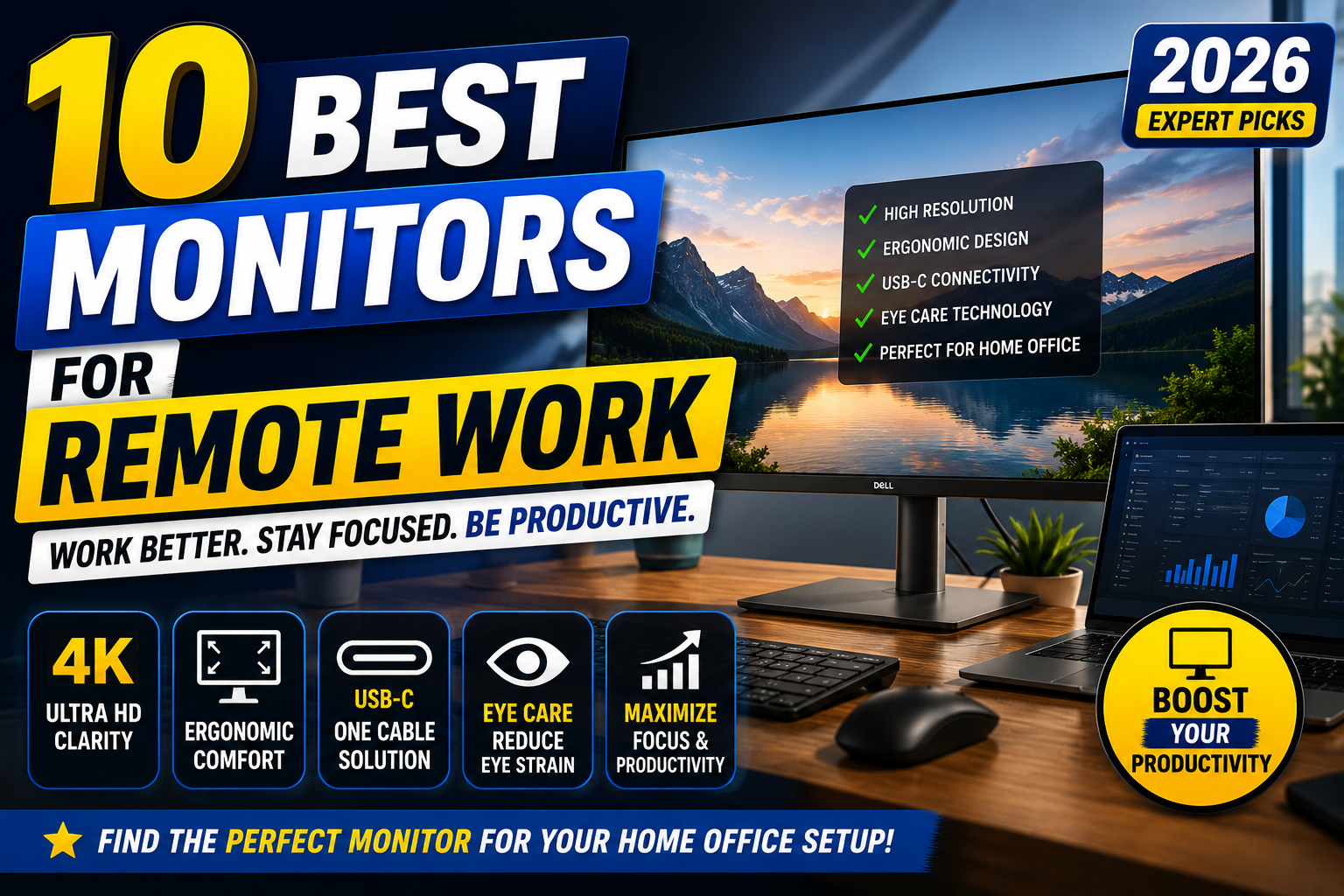


10 Best Monitors for Remote Work in 2026
Working from home has become the new normal for millions of professionals. Whether you're attending virtual meetings, managing spreadsheets, editing content, or programming for hours each day, your monitor plays a crucial role in your productivity and comfort.
A high-quality monitor can reduce eye strain, improve multitasking, deliver sharper visuals, and help maintain better posture during long work sessions. Features like high resolution, ergonomic stands, USB-C connectivity, and accurate color reproduction can make a noticeable difference in your daily workflow.
With so many models available, choosing the right monitor can feel overwhelming. That's why we've researched and compared the 10 best monitors for remote work, evaluating display quality, ergonomics, connectivity, price, and overall value.
Whether you're building a professional home office or upgrading your current setup, this guide will help you find the perfect monitor for your needs.
Best Monitors for Remote Work
Why a Good Monitor Matters for Remote Work
Many people spend 6 to 10 hours each day in front of a screen. Using a poor-quality monitor can lead to eye fatigue, neck pain, reduced productivity, and an uncomfortable work environment.
A well-designed monitor provides several advantages:
Benefits of a Quality Work Monitor
- Larger workspace for multitasking
- Sharper text for reading documents
- Better color accuracy for creative work
- Adjustable ergonomic stand
- Reduced eye strain with low blue light technology
- Faster connectivity through USB-C
- Cleaner desk setup with fewer cables
- Improved posture and viewing comfort
Investing in a good monitor isn't just about better visuals—it's about creating a healthier and more productive workspace.
Best Monitors for Remote Work
How We Selected the Best Monitors
To ensure our recommendations are reliable, we evaluated each monitor using the following criteria:
- Display quality
- Resolution
- Screen size
- Color accuracy
- Ergonomic adjustments
- USB-C and HDMI connectivity
- Refresh rate
- Eye-care features
- Overall value for money
- Customer satisfaction
Our goal was to recommend monitors suitable for different budgets and work styles.
Best Monitors for Remote Work

1. Dell UltraSharp U2723QE
Best Overall Monitor for Remote Work
The Dell UltraSharp U2723QE is widely regarded as one of the best productivity monitors available. Its 27-inch 4K IPS Black display delivers exceptional clarity, vibrant colors, and excellent contrast, making it ideal for office work, spreadsheets, graphic design, and video editing.
The built-in USB-C hub simplifies cable management by allowing users to connect their laptop, transfer data, and charge devices with a single cable.
Key Features
- 27-inch 4K UHD display
- IPS Black technology
- USB-C with 90W Power Delivery
- DisplayPort and HDMI
- Adjustable ergonomic stand
- Excellent color accuracy
Pros
- Outstanding image quality
- Premium build quality
- Excellent connectivity
- Comfortable ergonomic adjustments
Cons
- Premium price
Best For: Professionals who want the best all-around monitor for remote work.
Best Monitors for Remote Work
2. LG 34WN80C-B
Best Ultrawide Monitor
If you frequently work with multiple windows, spreadsheets, or creative applications, the LG 34WN80C-B is an excellent choice.
Its 34-inch curved ultrawide display provides significantly more workspace than a standard monitor, reducing the need for dual-monitor setups.
Key Features
- 34-inch ultrawide display
- QHD resolution
- USB-C connectivity
- HDR10 support
- Curved IPS panel
Pros
- Massive workspace
- Great multitasking experience
- USB-C support
- Comfortable curved display
Cons
- Lower pixel density than 4K monitors
Best For: Multitasking and productivity.
Best Monitors for Remote Work
3. BenQ GW2790QT
Best Monitor for Eye Care
Long hours of screen time can cause eye fatigue. The BenQ GW2790QT addresses this with advanced eye-care technologies, including Low Blue Light mode, Flicker-Free technology, and Brightness Intelligence.
These features help reduce eye strain while maintaining excellent image quality.
Key Features
- 27-inch QHD display
- USB-C connectivity
- Eye-Care Technology
- Ergonomic stand
- Built-in speakers
Pros
- Excellent eye protection
- Comfortable viewing experience
- Good value
- Modern design
Cons
- Average HDR performance
Best For: Professionals who work long hours.
Best Monitors for Remote Work
4. ASUS ProArt Display PA279CRV
Best Monitor for Creative Professionals
The ASUS ProArt PA279CRV is designed for creators who require accurate colors for photo editing, graphic design, and video production.
Factory-calibrated color accuracy ensures that creative work looks consistent across different devices.
Key Features
- 27-inch 4K IPS panel
- 99% Adobe RGB
- USB-C
- HDR support
- Factory calibrated
Pros
- Outstanding color accuracy
- Excellent for creative work
- High-resolution display
- Premium build
Cons
- More expensive than standard office monitors
Best For: Designers, photographers, and video editors.
Best Monitors for Remote Work
5. Samsung ViewFinity S8
Best 4K Office Monitor
Samsung's ViewFinity S8 offers a crisp 4K display with excellent productivity features at a competitive price.
Its slim bezels, adjustable stand, and USB-C connectivity make it an ideal addition to modern home offices.
Key Features
- 27-inch 4K display
- USB-C connectivity
- HDR10
- Ergonomic stand
- Eye Saver Mode
Pros
- Sharp image quality
- Modern design
- Great value
- Excellent connectivity
Cons
- Built-in speakers are average
Best For: Everyday office work and productivity.
Best Monitors for Remote Work
6. LG DualUp Monitor (28MQ780)
Best Monitor for Vertical Productivity
The LG DualUp Monitor (28MQ780) features a unique 16:18 aspect ratio that provides the equivalent workspace of two stacked 21.5-inch monitors.
Instead of using dual displays, professionals can comfortably work on documents, spreadsheets, coding environments, and communication apps within one screen.
Key Features
- 28-inch Nano IPS Display
- SDQHD (2560 × 2880)
- USB-C (90W Power Delivery)
- Ergo Stand Included
- HDR10 Support
Pros
- Unique vertical workspace
- Excellent multitasking
- Saves desk space
- USB-C connectivity
Cons
- Unusual aspect ratio may require adjustment
Best For: Programmers, writers, and data analysts.
Best Monitors for Remote Work
7. HP E27u G5
Best USB-C Monitor for Home Office
The HP E27u G5 delivers an excellent balance between price, performance, and connectivity.
With USB-C docking support, users can connect compatible laptops using just one cable for video, charging, and data transfer.
Key Features
- 27-inch QHD IPS
- USB-C Docking
- 65W Power Delivery
- Ergonomic Stand
- Low Blue Light Mode
Pros
- Excellent connectivity
- Comfortable ergonomics
- Professional design
- Great value
Cons
- No HDR support
Best For: Everyday office productivity.
Best Monitors for Remote Work
8. ASUS ZenScreen MB16QHG
Best Portable Monitor for Remote Workers
For professionals who travel frequently, the ASUS ZenScreen MB16QHG provides an additional screen without adding much weight to your bag.
Its high-resolution display and USB-C connectivity make it perfect for working from cafés, hotels, or coworking spaces.
Key Features
- 16-inch QHD IPS
- USB-C
- Mini HDMI
- Adjustable Smart Case
- Lightweight Design
Pros
- Extremely portable
- Sharp display
- Easy setup
- Great travel companion
Cons
- Smaller than desktop monitors
Best For: Digital nomads and remote workers who travel.
Best Monitors for Remote Work
9. Apple Studio Display
Best Premium Monitor for Mac Users
If you're deeply invested in the Apple ecosystem, the Apple Studio Display is one of the best premium monitors available.
Its stunning 5K Retina display, exceptional brightness, and accurate colors provide a premium viewing experience for professionals.
Key Features
- 27-inch 5K Retina
- Thunderbolt Connectivity
- 600 Nits Brightness
- Six-Speaker Audio
- 12MP Ultra Wide Camera
Pros
- Incredible image quality
- Premium build
- Excellent speakers
- Seamless Mac integration
Cons
- Expensive
- Limited ergonomic options on the base model
Best For: MacBook users and creative professionals.
Best Monitors for Remote Work
10. Dell P2425HE
Best Budget Monitor for Remote Work
The Dell P2425HE proves that you don't need to spend a fortune to build an efficient home office.
Despite its affordable price, it offers excellent ergonomics, USB hub functionality, and reliable image quality.
Key Features
- 24-inch IPS
- Full HD Resolution
- USB Hub
- DisplayPort
- HDMI
- Adjustable Stand
Pros
- Affordable
- Reliable performance
- Excellent ergonomics
- Trusted Dell quality
Cons
- Lower resolution than QHD or 4K models
Best For: Budget-conscious professionals.
Best Monitors for Remote Work
Comparison Table
| Monitor | Size | Resolution | USB-C | Best For |
|---|---|---|---|---|
| Dell UltraSharp U2723QE | 27" | 4K | ✅ | Overall Productivity |
| LG 34WN80C-B | 34" | QHD Ultrawide | ✅ | Multitasking |
| BenQ GW2790QT | 27" | QHD | ✅ | Eye Comfort |
| ASUS ProArt PA279CRV | 27" | 4K | ✅ | Creative Work |
| Samsung ViewFinity S8 | 27" | 4K | ✅ | Office Work |
| LG DualUp | 28" | SDQHD | ✅ | Vertical Workflow |
| HP E27u G5 | 27" | QHD | ✅ | Home Office |
| ASUS ZenScreen MB16QHG | 16" | QHD | ✅ | Travel |
| Apple Studio Display | 27" | 5K | Thunderbolt | Mac Users |
| Dell P2425HE | 24" | Full HD | Limited | Budget Buyers |
Buying Guide: How to Choose the Best Monitor for Remote Work
Before purchasing a monitor, consider these important factors.
1. Screen Size
- 24-inch: Suitable for small desks and basic office work.
- 27-inch: The ideal balance between workspace and comfort.
- 32-inch: Excellent for multitasking and creative work.
- 34-inch Ultrawide: Perfect for replacing dual-monitor setups.
2. Resolution
Choose the highest resolution that fits your budget.
- Full HD (1920×1080): Basic office work
- QHD (2560×1440): Best value
- 4K UHD (3840×2160): Maximum clarity
- 5K: Premium creative workflows
3. USB-C Connectivity
USB-C allows you to:
- Charge your laptop
- Transfer data
- Output video
- Reduce cable clutter
A single cable setup creates a cleaner and more efficient workspace.
4. Ergonomics
Look for a monitor that supports:
- Height adjustment
- Tilt
- Swivel
- Pivot (portrait mode)
Proper ergonomics can reduce neck and back strain during long work sessions.
5. Eye Care Features
For extended screen time, choose monitors with:
- Flicker-Free technology
- Low Blue Light mode
- Anti-glare coating
- Brightness adjustment
These features help reduce eye fatigue and improve comfort.
Best Monitors for Remote Work
Frequently Asked Questions
What is the best monitor for remote work?
The Dell UltraSharp U2723QE stands out as the best overall choice due to its 4K display, IPS Black panel, ergonomic design, and USB-C connectivity.
Is a 27-inch monitor good for working from home?
Yes. A 27-inch monitor offers an excellent balance of screen space, readability, and desk compatibility, making it one of the most popular sizes for remote work.
Should I buy a 4K monitor for office work?
If your budget allows, a 4K monitor provides sharper text, better image quality, and more workspace, making it ideal for professionals who spend many hours in front of a screen.
Are ultrawide monitors better than dual monitors?
For many users, ultrawide monitors provide a cleaner setup with fewer cables while still offering enough space to work with multiple windows simultaneously.
Which monitor is best for MacBook users?
The Apple Studio Display is an excellent option for Mac users thanks to its stunning 5K Retina display, Thunderbolt connectivity, and seamless integration with macOS.
Final Verdict
Choosing the right monitor can significantly improve your productivity, comfort, and overall remote work experience.
If you're looking for the best all-around option, the Dell UltraSharp U2723QE offers exceptional display quality, excellent ergonomics, and versatile connectivity. Professionals who prefer a larger workspace should consider the LG 34WN80C-B, while creatives will appreciate the color accuracy of the ASUS ProArt PA279CRV.
For those on a tighter budget, the Dell P2425HE delivers dependable performance and ergonomic features without a premium price tag. Ultimately, the best monitor depends on your workflow, desk space, and budget.
Best Monitors for Remote Work
Internal Link Suggestions
Strengthen your website's topical authority by linking this article to related content:
- Best Productivity Apps for Students
- Best AI Tools for Students
- Best AI Note Taking Apps
- Best Mechanical Keyboards for Work
- Best Office Chairs for Remote Work
- Best Webcams for Remote Work
- Best USB-C Docks
- Best Wireless Mouse for Productivity
- Best Standing Desks
- Best Student Laptops
External Link Suggestions
Link to the official product pages or manufacturer websites for readers who want more information: