


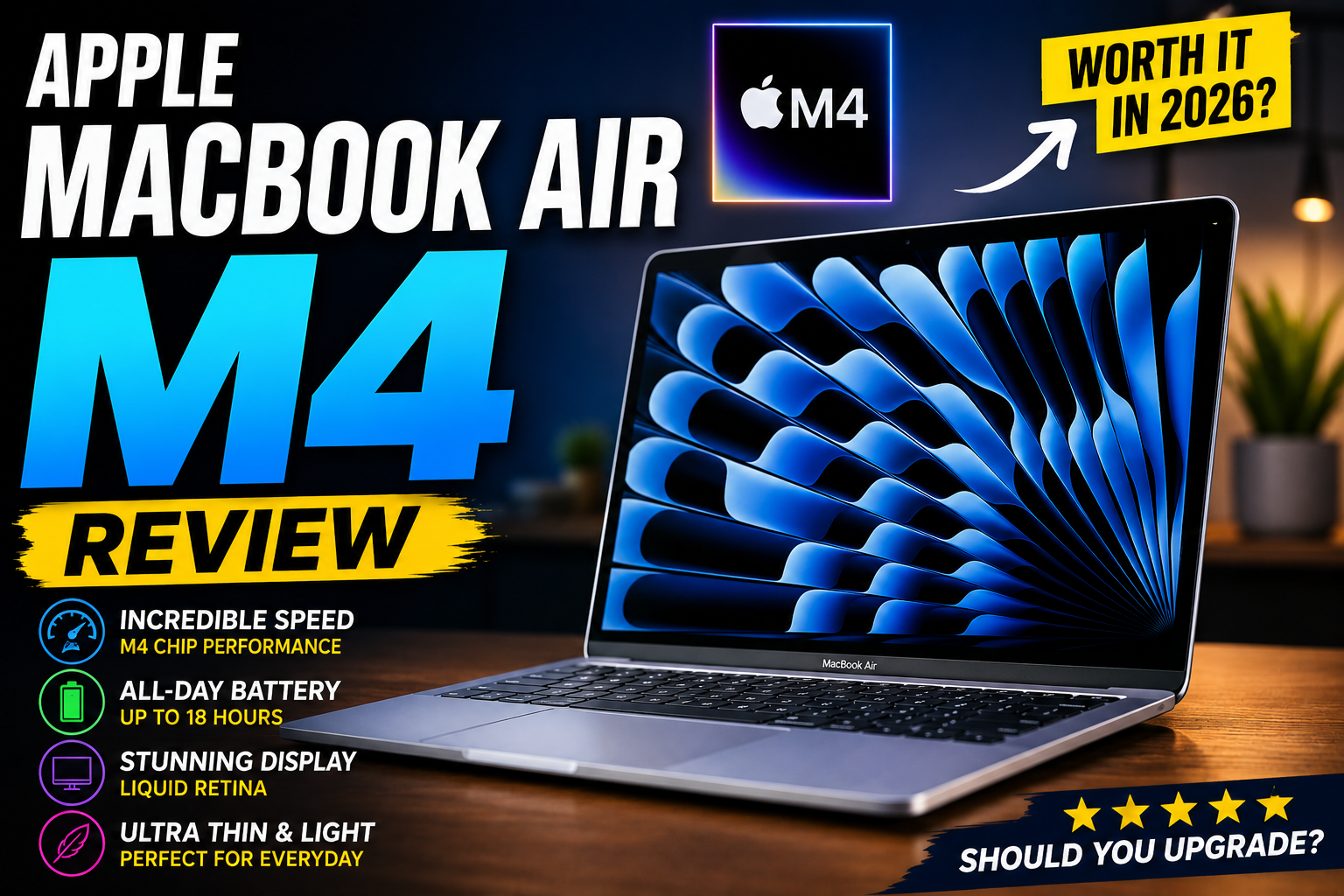


Apple MacBook Air M4 Review: A New Standard for Everyday Laptops
Apple continues to dominate the premium ultraportable laptop market, and the new MacBook Air M4 further strengthens its position. Building on the success of previous Apple Silicon generations, the M4-powered MacBook Air offers faster performance, improved efficiency, better AI capabilities, and the same elegant design that has made the Air series one of the most popular laptops in the world.
Whether you're a student, remote worker, content creator, or business professional, the MacBook Air M4 promises a powerful yet portable computing experience.
But is it worth upgrading? And does it still deserve the title of the best thin-and-light laptop available today?
Let's dive into this comprehensive Apple MacBook Air M4 review.

Apple MacBook Air M4 Specifications
Before discussing real-world performance, let's look at the key specifications.
| Specification | MacBook Air M4 |
|---|---|
| Processor | Apple M4 Chip |
| CPU | Up to 10-core CPU |
| GPU | Up to 10-core GPU |
| Neural Engine | 16-core |
| Memory | 16GB / 24GB / 32GB Unified Memory |
| Storage | 256GB – 2TB SSD |
| Display | Liquid Retina Display |
| Size | 13-inch or 15-inch |
| Battery Life | Up to 18 hours |
| Charging | MagSafe 3 |
| Ports | MagSafe, 2x Thunderbolt USB-C, Headphone Jack |
| Operating System | macOS Sequoia |
| Weight | Approximately 1.24 kg |
The specifications may look familiar, but the improvements inside are significant.
Design and Build Quality
Premium Yet Familiar
Apple has chosen not to radically redesign the MacBook Air, and honestly, that is not a bad thing.
The MacBook Air M4 retains the sleek aluminum chassis introduced with previous generations.
Key design highlights include:
- Ultra-thin profile
- Lightweight construction
- Premium aluminum finish
- Excellent portability
- Durable build quality
Available in several elegant colors, the laptop looks modern and professional whether you're working from home, attending classes, or traveling.
Apple's attention to detail remains unmatched in this category.
The lid feels solid, the hinge operates smoothly, and the entire device exudes quality.
Design Score: 9.5/10
Display Quality
One of the Best Screens in Its Class
The MacBook Air M4 features Apple's beautiful Liquid Retina display.
While it may not offer ProMotion like the MacBook Pro lineup, the display remains excellent for everyday users.
Display Features
- Sharp resolution
- Wide color gamut
- True Tone technology
- Excellent brightness
- Accurate color reproduction
Text appears crisp, making it ideal for:
- Writing
- Coding
- Reading
- Web browsing
- Productivity work
For creative professionals, the display offers impressive color accuracy suitable for:
- Photo editing
- Graphic design
- Video production
Movies and streaming content also look fantastic.
Display Score: 9/10
Performance
The M4 Chip Delivers Serious Speed
Performance is where the MacBook Air M4 truly shines.
Apple's M4 processor represents another significant leap in efficiency and computing power.
For most users, performance feels nearly instantaneous.
Applications launch quickly.
Multitasking is effortless.
Even demanding workloads are handled with ease.
Everyday Tasks
The MacBook Air M4 excels at:
- Web browsing
- Microsoft Office
- Google Workspace
- Email management
- Zoom meetings
- Research
- Multitasking
You can easily keep dozens of browser tabs open without experiencing slowdowns.
Creative Workloads
Content creators will appreciate the performance improvements.
The MacBook Air M4 handles:
- Adobe Photoshop
- Lightroom
- Canva
- Final Cut Pro
- DaVinci Resolve
- Graphic design projects
Photo editing feels smooth, and video exports are noticeably faster than older Intel-based MacBooks.
AI and Machine Learning
One of the biggest advancements comes from the upgraded Neural Engine.
The M4 chip is optimized for:
- AI-assisted writing
- Image generation
- Productivity tools
- Local machine learning tasks
- Apple Intelligence features
As AI becomes increasingly integrated into daily workflows, the MacBook Air M4 is well-prepared for the future.
Performance Score: 9.5/10
Keyboard and Trackpad
Still the Industry Benchmark
Apple continues to offer one of the best laptop typing experiences available.
The Magic Keyboard provides:
- Comfortable key travel
- Responsive feedback
- Quiet operation
- Excellent spacing
Whether you're writing reports, coding, or blogging, long typing sessions remain comfortable.
The trackpad remains arguably the best on any laptop.
Features include:
- Large surface area
- Precise tracking
- Smooth gestures
- Haptic feedback
Many users find they rarely need a separate mouse.
Keyboard & Trackpad Score: 10/10
Battery Life
All-Day Endurance
Battery life has long been a MacBook Air strength, and the M4 model continues the tradition.
Apple claims up to 18 hours of battery life.
Real-world results vary, but most users can expect:
Typical Usage
- 12–16 hours of mixed productivity
- 10–12 hours of heavy workloads
- Multiple days of light usage
For students and professionals, this means leaving the charger at home without worry.
The efficiency of Apple Silicon remains one of the biggest advantages over many Windows competitors.
Battery Score: 10/10
Audio and Webcam
Surprisingly Good for a Thin Laptop
The speaker system produces impressive sound considering the laptop's size.
Audio is:
- Clear
- Balanced
- Rich
- Loud enough for personal use
The webcam also receives improvements.
Video calls appear sharper and more natural.
This benefits:
- Remote workers
- Students
- Online meetings
- Content creators
Combined with Apple's microphone quality, video conferencing is excellent.
Audio & Webcam Score: 9/10
Software Experience
macOS Continues to Mature
The MacBook Air M4 ships with macOS Sequoia.
The operating system offers:
- Excellent stability
- Fast performance
- Strong security
- Seamless Apple ecosystem integration
Features like:
- AirDrop
- Universal Clipboard
- Handoff
- iPhone Mirroring
- iCloud Sync
create an incredibly convenient workflow for users already invested in Apple products.
The experience feels polished and refined.
Software Score: 9.5/10
Connectivity and Ports
The MacBook Air M4 maintains a minimalist approach.
Available ports include:
- MagSafe charging
- Two Thunderbolt USB-C ports
- 3.5mm headphone jack
While some users may want additional ports, most modern workflows can be accommodated with a simple USB-C hub.
Wireless connectivity includes:
- Wi-Fi 6E
- Bluetooth 5.3
Connections remain fast and reliable.
Connectivity Score: 8/10
Pros and Cons
Pros
✅ Outstanding battery life
✅ Exceptional performance
✅ Silent operation (fanless design)
✅ Premium build quality
✅ Excellent keyboard and trackpad
✅ Beautiful Retina display
✅ Lightweight and portable
✅ Strong AI capabilities
✅ Excellent ecosystem integration
Cons
❌ Limited port selection
❌ Display remains 60Hz
❌ Upgrades can become expensive
❌ Gaming support still trails Windows laptops
Who Should Buy the MacBook Air M4?
The MacBook Air M4 is ideal for:
Students
Its portability, battery life, and reliability make it one of the best student laptops available.
Remote Workers
Excellent battery life and productivity performance make remote work effortless.
Content Creators
Photo editing, video editing, and graphic design workloads run smoothly.
Bloggers and Writers
The keyboard, display, and battery life create an ideal writing machine.
Business Professionals
Professional design and dependable performance fit perfectly into modern business environments.
Who Should Skip It?
The MacBook Air M4 may not be the best choice for:
Hardcore Gamers
Windows gaming laptops remain better suited for gaming enthusiasts.
Users Needing Many Ports
Those requiring multiple external devices may need a docking station.
High-End Professional Editors
Professionals working with intensive 8K workflows may benefit from a MacBook Pro instead.
MacBook Air M4 vs MacBook Air M3
Many buyers wonder whether upgrading from the M3 is worthwhile.
The M4 offers:
- Faster CPU performance
- Improved GPU performance
- Better AI capabilities
- Enhanced efficiency
- Future-proof architecture
If you already own an M3 model, upgrading is not essential.
However, users coming from Intel Macs or older M1 systems will notice substantial improvements.
Final Verdict
The Apple MacBook Air M4 is arguably the best ultraportable laptop available in 2026.
It combines outstanding battery life, impressive performance, premium design, and a polished software experience into a package that appeals to nearly every type of user.
While the limited ports and 60Hz display may disappoint some power users, these are minor drawbacks compared to the overall experience.
For students, professionals, creators, and everyday users, the MacBook Air M4 delivers exceptional value and remains one of the easiest laptop recommendations to make.
Overall Rating: ★★★★★ (9.4/10)
Category Scores
- Design: 9.5/10
- Display: 9/10
- Performance: 9.5/10
- Battery Life: 10/10
- Keyboard & Trackpad: 10/10
- Audio: 9/10
- Connectivity: 8/10
If you're looking for a premium lightweight laptop that can handle work, study, content creation, and everyday computing with ease, the Apple MacBook Air M4 is one of the best purchases you can make in 2026.
Suggested Internal Links
- Best Laptops for Students in 2026
- Best Wireless Keyboards for Productivity
- Apple MacBook Air M4 vs MacBook Pro M4
- Best External SSDs for Mac Users
- macOS Sequoia Tips and Tricks for Beginners
Ready to upgrade your laptop? Check today's latest MacBook Air M4 deals on Amazon and compare available configurations before prices change.